How to make an AI short drama, from beat sheet to upload
Here is how to make an AI short drama: write a beat sheet with a cliffhanger per episode, lock your characters with reference images, generate shots with an image to video model, add AI voices, then edit, caption and export in vertical 9:16. No single tool does it all, so plan on four or five.
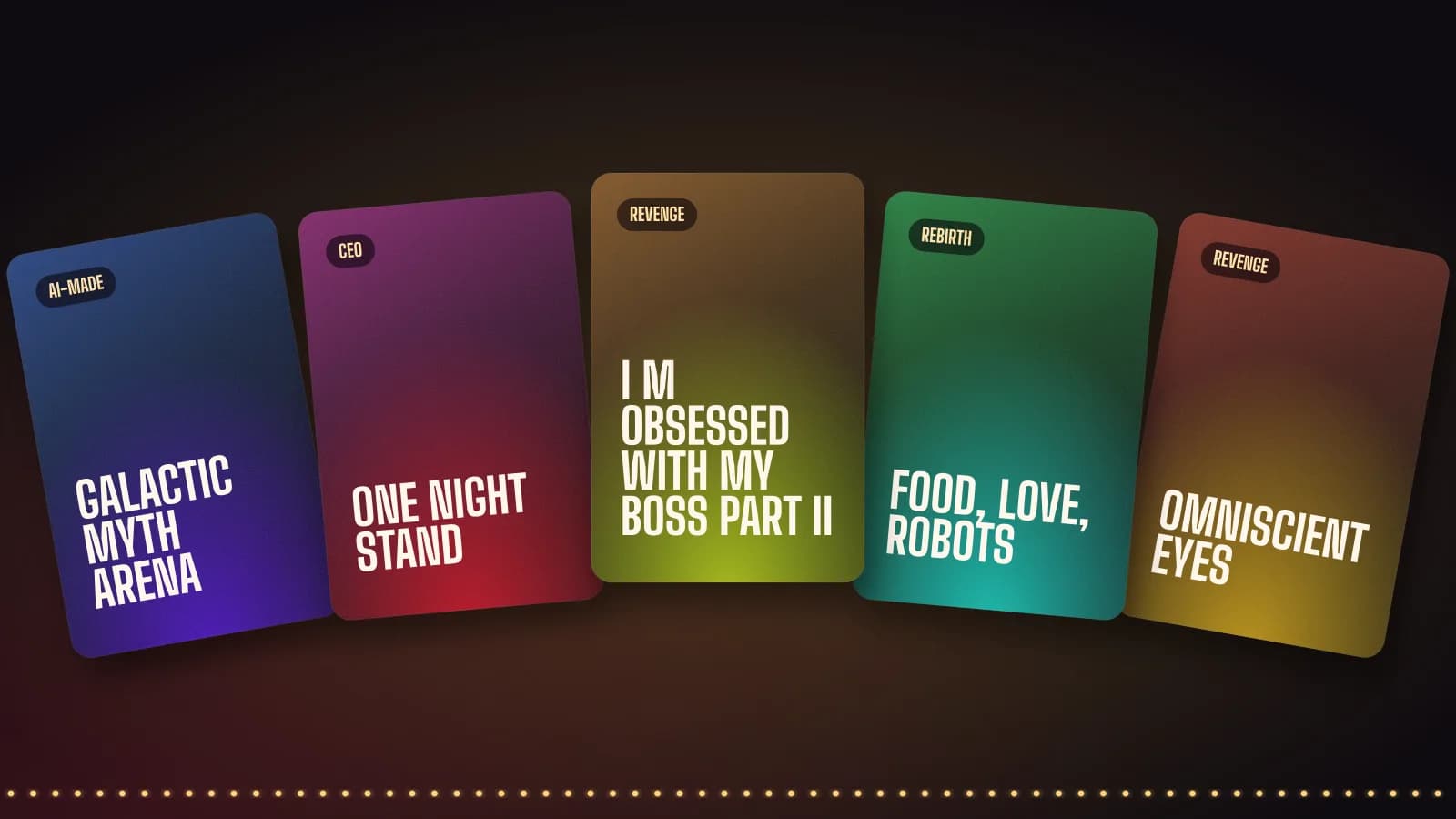
How to make an AI short drama in 7 steps
- Write the script and a beat sheet. Pick one trope, plan 10 to 20 episodes of about one minute, and end every episode on a hook.
- Lock your characters. Create a reference sheet for each lead, with the same face, hair and outfit from several angles, and reuse it in every shot.
- Generate the shots. Turn each reference image into short clips with an image to video model such as Kling, Hailuo or a suite like Higgsfield.
- Add voices. Record or generate each line with a consistent AI voice per character, then sync lips where faces speak.
- Edit the episode. Cut the clips to the beat sheet, add music and sound effects, and trim every pause.
- Add captions. Burn in large, readable subtitles, since many people watch on mute.
- Export and publish. Render in vertical 9:16, write a hook title per episode, and post on a regular schedule.
Start with the beat sheet, not the tools
The format comes first. Short dramas use episodes that run about one to three minutes, according to TheNextWeb's report on the Chinese micro drama industry. So each episode needs one clear turn and a cliffhanger at the end, or viewers swipe away.
A simple beat sheet solves most of that. List every episode in one line: what happens, what the viewer learns, and what question stays open. For example, episode 1 ends on the betrayal, episode 2 on the first sign of a hidden power, and episode 3 on the villain noticing. Pick a trope people already search for, such as revenge, werewolf or billionaire, and our genre pages show how those stories usually move.
Character consistency is the hard part
Viewers forgive cheap sets, yet they notice when a lead's face changes between shots. Therefore, build a character sheet before you generate any video. Make one clean image of each lead, then create the same person from the front, the side and in two or three outfits.
After that, feed those images into every shot as references. Kling, Hailuo and Higgsfield all accept images or references, according to their sites, and that keeps faces closer than text prompts alone. Also keep a short text description per character, with age, hair, clothing and mood, and paste it into each prompt unchanged.
How to pick a video model to make an AI short drama
You have two routes. First, a single model app such as Kling AI or Hailuo AI, which both turn text, images and references into video, according to their own sites. Second, a suite such as Higgsfield or Pollo AI, which bundle video, image and audio tools behind one account.
In practice, test the same three shots in two tools before you commit. Look at faces, hands and motion. Then generate each shot a few times and keep the best take, because AI video rarely gets it right on the first try. Our AI short drama tools page compares the options side by side.
Voices, lip sync and sound
Give every character one fixed voice. ElevenLabs, for instance, says it offers 5,000+ voices in 90+ languages, and its pricing page lists a free plan with 10,000 credits plus a Starter plan at $6 a month, as checked on October 17, 2026.
Next, decide where lips must move. Close ups of speaking faces need lip sync, while many lines can play over a reaction shot or a wide shot instead. That trick saves both credits and time. Finally, add music and a few sound effects, since silence feels cheap in this format.
Edit, caption and export in 9:16
Edit each episode in a normal video editor such as CapCut, cutting hard on every line and every reaction. Short dramas move fast, so trim pauses that would feel natural in a film.
Captions matter just as much. Use large text in the lower middle of the frame, and keep it clear of app buttons. Submagic adds AI captions automatically, while OpusClip can cut a long recap into teaser clips. When you are done, export in vertical 9:16 at 1080 by 1920, which fits phone screens edge to edge.
Publishing and what it costs
Post episode 1 first and watch where people drop off. Then fix the next episodes before you release them. A steady schedule, such as one episode a day, keeps viewers coming back.
As for cost, a small series can start on free plans, but finished episodes usually need paid credits. On October 17, 2026, the official pricing pages listed OpusClip Starter at $15 a month, Submagic Starter at $19 a month and HeyGen Creator at $29 a month. Video model credits are the biggest variable, so check each tool's pricing page before you plan a budget.
- Start with HiggsfieldImage, video and voice tools in one suite.
- Try Kling AIText and image to video with references.
- Open Hailuo AIVideo from text or photos.
- Get ElevenLabs voicesCharacter voices, with a free plan.
- Edit in CapCutCut, add music and export 9:16.
- Caption with SubmagicAI captions for short videos.
- Clip with OpusClipTeaser clips from a long cut.
Make an ai short drama FAQ
How do you make an AI short drama for free?
You can test the whole workflow on free plans. ElevenLabs, OpusClip, HeyGen and Runway all list a free plan. However, free credits run out fast, so a full series usually needs a paid plan.
How much does it cost to make an AI short drama?
It depends mostly on video credits. Paid plans we checked on October 17, 2026 start at $6 a month for ElevenLabs, $15 for OpusClip and $19 for Submagic.
What is the best AI tool to make a short drama?
No single tool covers everything. A typical setup combines a video model, a voice tool and an editor. Our tools page compares them by pipeline step.
How long should each episode be?
About one to three minutes. Each episode needs one turn and a cliffhanger at the end.
How do I keep AI characters consistent?
Make a reference sheet for each character and feed it into every shot. Also reuse the same written description in every prompt.
What aspect ratio should an AI short drama use?
Vertical 9:16, usually 1080 by 1920 pixels. It fills a phone screen, which is where people watch these series.
How can I make an AI short drama on my phone?
Partly. Higgsfield says it works on web and mobile, and CapCut runs on phones. Still, planning and reviewing shots is easier on a computer.